What Is CRM? A Practical Guide for Small B2B Teams
July 13, 2026 · AmplySales Team
The short answer
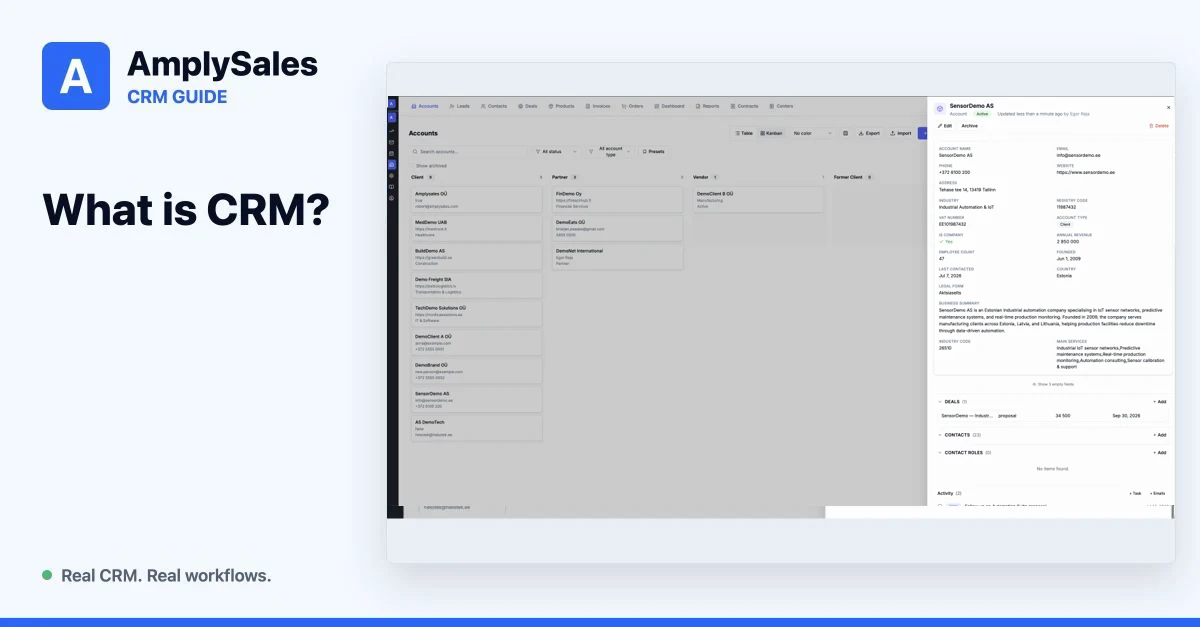
CRM stands for customer relationship management. A CRM system helps a business document, track, and manage relationships with existing and potential customers. In practice, it keeps company details, contacts, sales opportunities, emails, tasks, and agreements from being scattered across private inboxes and separate spreadsheets.
IBM defines CRM as integrated technologies used to document, track, and manage an organization's customer relationships and interactions. Software is still only the tool. A useful CRM starts with the company's real sales process.
What does a CRM actually store?
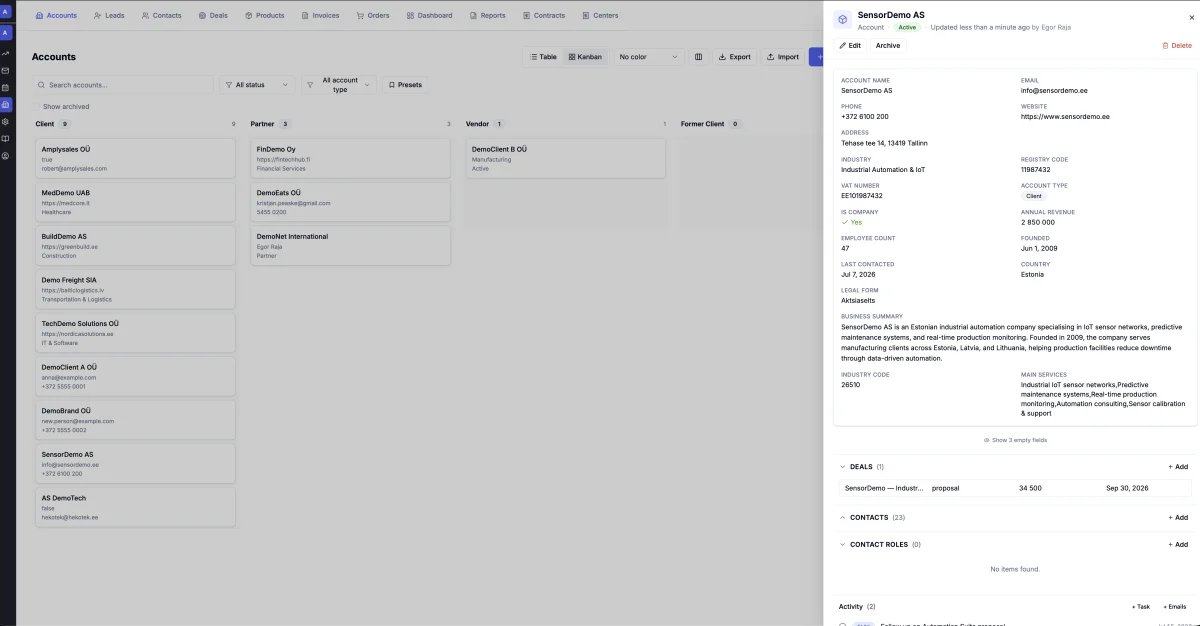
A typical B2B sales process contains at least six connected kinds of information:
| Data | Example |
|---|---|
| Account | a customer or potential customer company |
| Contact | a person at that company |
| Lead or prospect | a company or person still being evaluated |
| Deal | a specific opportunity, value, and stage |
| Activity | a call, meeting, task, or next step |
| Communication | sent and received email, notes, and files |
The value comes from the relationships. A deal should show its account and contacts. An email should appear in the right customer history. A next action should have an owner and date.
Spreadsheet or CRM?
A spreadsheet can be entirely adequate when one person manages a small number of active opportunities and the process needs little automation. The problem is not the spreadsheet itself. The problem begins when the same information starts living in several places.
| A spreadsheet may still be enough | A CRM becomes useful |
|---|---|
| one owner manages a short contact list | several people work with the same customers |
| opportunities are easy to remember | deals move through defined stages |
| follow-up is occasional | next actions are being missed |
| email history does not need to be shared | the team needs a common interaction history |
| reporting can be assembled manually | management needs a current pipeline and forecast |
A CRM will not repair an unclear process by itself. If the team has not agreed when a deal advances or who owns the next action, the system simply digitizes the ambiguity.
A realistic CRM workflow
Consider a small B2B sales team:
- A website form or company search creates a new prospect.
- A salesperson checks fit and enriches missing information.
- A qualified prospect is connected to an account and contact.
- The first email is drafted using the customer and offer context.
- Confirmed interest creates a deal with value, stage, and next action.
- Emails, tasks, and meetings remain connected to the same relationship.
- The manager can see stalled deals, planned work, and value across stages.
That is the core of CRM: not a contact list, but a shared record of work.
What can CRM automate?
Rule-based automation works best when the condition and outcome are unambiguous. Examples include:
- creating a lead from a form and notifying its owner;
- creating a follow-up task after an email is sent;
- updating a field when a deal enters a new stage;
- reminding the owner about an inactive deal;
- sending approved data to another system by webhook.
AI can assist with less structured work: researching a company, summarizing a long thread, drafting a response or proposal, and organizing CRM records. Sending externally, resolving exceptions, and making customer commitments often still require human review.
In Salesforce's 2026 State of Sales research, sellers reported spending only about 40% of the workweek selling. That is why CRM value is not limited to storing data. A useful system also reduces manual research, entry, and follow-up administration.
When does a business need CRM?
The signs are usually practical:
- nobody is certain who owns the next action;
- customer history depends on one person's inbox;
- the same company or contact appears more than once;
- sales meetings are spent assembling numbers rather than making decisions;
- deal values and stages cannot be trusted;
- onboarding depends on knowledge held by one colleague;
- promised actions occasionally fall between teams.
How AmplySales approaches CRM
AmplySales connects CRM data with email, tasks, automations, and AI assistants. Accounts, contacts, prospects, deals, products, orders, invoices, and custom objects use one records model. Organizations can configure fields, layouts, and permissions, then allow rules or permission-bounded assistants to perform specific actions.
That does not mean every feature should be enabled on day one. A good starting point is one transparent workflow from prospect to next action.
Continue with how to choose CRM software for a small sales team or see how a sales pipeline works in CRM.